Friday, March 10, 2017

CSS and CARP design

CSS and CARP design 

in our class we made a website using adobe dreamweaver, to make the website you have to have the css files to import to dreamweaver once you do that you can start to work on your main project and thats the fun part. the m main differences of the ending HTML files is that one of the looks more of a professional look and that is the main idea behind carp. at the beginning html their is nothing done to the file that makes it look good, a example is there is no contrast or good grouping. so this was our job to add the principles of CARP into the html file.

c

the "c" in carp stands for contrast. and in the original html file there is no contrast, if you look at the original you would think that this is lame and would not get your attention and keep you reading. but in he new html file we took colors from the dog and used those colors that would grab your attention and keep you reading.

a

the "a" in carp stands for alignment. alignment in the original is all to the left and it looks really really lame. if you where to read it, your eyes would begin to loose focus and go off track. but when we used in the new html file we made the letters line up in a way that did not look lame it looked cool. 

r

the "r" in carp stands for repetition, this is important so that the reader gets the main idea and knows what the article or documents main idea is. in the original you  can clearly see that there is a dog but that is not the main idea the main idea is the poem. in the new html you can clearly see the poem and know that is the main goal 

p

the p is for proximidy and that is important so that the words are not all mixed together and have some spacing to look good.

Monday, March 6, 2017

House Animation

House Animation 


overview

in our class we chose a house from a website and than re created the house we chose in sketchup. we also are learning how to use the many different tools inside of sketchup. It was a really cool experience using sketchup and turning the house that i made into a animation. we also imported some special things that we do not know how to make like the flowers and car in my model.

what I learned 

what i learned is while using sketchup you have to pace yourself otherwise you are going to have a hard time trying  to make the house look good. I also learned that there are some things that are really hard to make. like the sphere witch was a really weird thing to make.

thoughts 

I thought that this was a really cool and fun to do project and i liked making the house. it was cool learning how to make all the different shaped. what i thought was the coolest is how you first start of with just gray bricks that at the end trn into a big, good looking house.

Monday, February 13, 2017

my personality type

my type 

I am a ENTJ using the myers-briggs personality type I found that i am a ENTJ. so according to the test i am 12% extravert, 22% intuitive,  38% thinking, and 12% judging witch makes me a ENTJ. in my own words a ENTJ will analyze somethings and will use their knowledge of that object. for a example today in class we saw a picture of a apple and listed things about it, the ENTJ's said thinks like tasty, seeds, fruity, and healthy. all of these things are what the picture do not tell  the viewer.

how well does this describe me 

i think that a ENTJ on describes 1/2 of me. some things that are correct about me are see logical policies, usually well informed, and enjoy long term planing. all of these things are spot on for me. the other stuff that does not describe me is assume leadership quickly,well read,force full in presenting ideas. this short list does not describe me. i am usually the last to take action and leadership. this actually does help to figure out who i am because sometimes kids in my second hour class will come up with way different ideas and problems that i never would have thought.

 the role of an ENTJ

so a role of a ENTJ would be like to sell to a audience and to clarify ideas. a example would be during  the  apple lab the ENTJ would say something like a good type of candle would smell good in your home. So a ENTJ would be a good helper to sell things.people could have misunderstood me because i do not really like to talk I like to be more to myself witch explains a ENTJ so people might not understand or think like me.

what i have learned 

i have learned on what type of person that i am like the ENTJ and how these people operate. i did not en know what this type of test is to find out what type of personality i have so I thought that it was cool that  a ENTJ explains who i am. some other things that i have learned is there are famous people that have the same personality like me for example adel, woodrow wilson, and bill gates and others have the same personality like me.

personality activity 

in our class we did a personality activity that would pair us with 4 different animals that have the same personality as me. the 4 different animals are a lion, otter, golden retriever, and a beaver. the lion is someone who would take leadership in a project, the otter is someone that is very social, the golden retriever is good at making friends, and the beaver is organized. i cdid the test and was most like the lion and the otter witch is some what correct about me. like taking charge and making decisions. 

Monday, February 6, 2017

10 words animation

10 words animation

what was the processes 

we made a animation of 10 words that would best describe me. so some examples of words would be like hard worker, outgoing, and social. so after I found 10 words that would describe me we had to find a background image that would be related to you. as you can see i chose the moon because i like outer space and mysterious things like the moon. after the steps listed we had to color the words we chose using colors from the background. then came the animation part we animated the words to do special things like flips and fading in and out. 

what did i learn 

I learned how to select a color from the background, this was cool because now the words look like they could blend in from the background. I also learned how to use the video editor, to make video animations. i also learned that it is allot harder to make animated movies than it looks because i had troubles animating 10 words moving across a screen, I also learned that animation is really hard sometimes, like the bouncing ball was more easy for me than this animation.

takeaways for next time 

the first two or three days of this animation project i was sick, so next time i should learn not to get sick. so because i was out two to three days next time we do this type of animation i will make the it go allot slower, this animation goes by really fast and i realized this when i put the animation on youtube. I did not know that we had to make the animation longer than the given area in photoshop. I also will maybe look longer for a better background wth maybe a little more color, I felt like this image of moon only had like three really different colors.

Wednesday, January 25, 2017

bouncing ball #2

summarize the project 

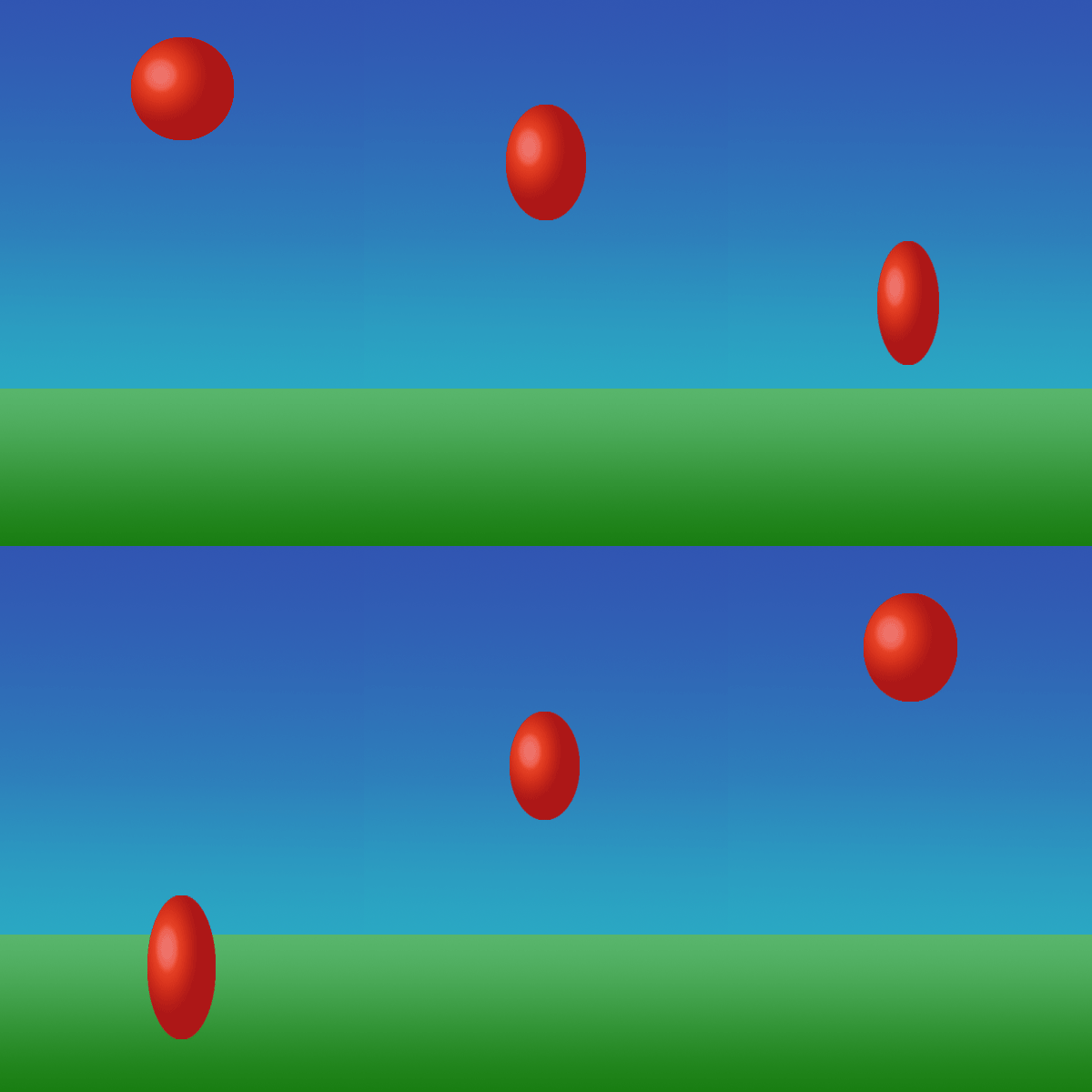
                    our project was to make a new bouncing ball project. In our class we have already made a bouncing ball, but that was not as realistic as a real ball bouncing from point A to point B. So we first made some arcs that helped us see where the ball would bounce. then after that we gave the ball a face so that we could see how much of a squash and strech the ball would have. then we had to do the transformations on the ball and have a over exageration on the ball. 

what did you learn that is new 

                     i learned that disney had a really hard time having to make all of those slides by hand. we used the fade in and fade out in some of our slides but walt disney crew had to draw all of this by hand. I also learned that you have to really go slow at the top to make a good effect on the ball. also learned that in animation allot of what they use is all forms of arcs from that video we watched.

what did you think about how it went 

                      I thought that the entire project went good there where sometimes that i would get the slides mixed up. then i would have to fix them and it took a while to get the correct slide in the correct spot. the only real problem that i had is that i put my entire project into a art board and then it would not save for web because the file was to big. other than these things i think that bouncing ball #2 was a really fun and i want to move to the next project.

Wednesday, January 11, 2017

Bouncing ball Animation

the big steps
       the big or main steps into the bouncing ball animation are making the ball,background, and making it look 3 demential. and the animating part these are the main big things to creating a animating ball. T hardest thing that i thought was the gradient tool. It seemed hard to change the gradients to the correct light fixtures and make it look good. the last main big step would be the moving the ball, as in making the balls quash and stretch and make it look like a ruer ball bouncing up and down 
something new 

something that i learned that is new is the gradient tool in graphic design I never use the gradient tool, that might be why it was so hard for mr to get the correct coloring and i could not add in anything like clouds or a sunset. And the other new thing I learned was the time line I thought that the timeline was really cool and easy to learn. Also new is the GIF and how to pronounce GIF I thought that that was neat.
how did it go 

I think that the gradient tool is the hardest and I don't really know why it was so hard for me to do it just was. the other thing that I thought would be really hard is having to make allot of different frames but really it was 1/2 way of duplications, I thought that the duplications are really cool that it made the work time cut in half. Other than all of the other things listed I think that animation is a fun class and i want to see the next project and have new things to learn.

Monday, December 19, 2016

e9 Quarter 2 reflection 
                
 I have learned that i graphic design I like to mess around with all of the different art tools and I can make some really cool looking designs using the tools. I have also learned that I am very artistic and like to make my work look perfect. 
                
                I definentaly need improvement with the pen tool I never really used the pen tool because I did not know how to use that. but if I do graphic design next year I will defiantly use the pen tool more than this year.

               What I loved most about this quarter is the cool designs and learning about the different graphic design logos that are surrounding us in our everyday life and what they mean.

               what I would change differently is more communication with others I am just really quiet so I think that I should just talk to people more and answer some questions or raise my hand.

                I have learned about adobe illustrator and adobe dream weaver these seam pretty basic answers but I really did learn allot bout these two things and hope to do them next year.
   
              one of my goals is to make my work better than this year or add change to them because I feel like I can make them better and do more with the logos that I have made.